Optimize Lattice Structures in Cura Without Weak Nodes
Estimated Reading Time: 5 minutes
Key Takeaways:
- Utilize the appropriate lattice pattern for strength and weight.
- Optimize slicing settings for better layer adhesion and structural integrity.
- Choose the right filament for enhanced performance of lattice structures.
- Conduct tests with various geometries to determine the best design.
- Repair mesh issues using Cura’s built-in tools before slicing.
Table of Contents:
- Understanding Lattice Structures and Their Importance
- The Challenge of Weak Nodes
- Best Practices for Slicing Lattice Structures in Cura
- Conclusion
- FAQ
Understanding Lattice Structures and Their Importance
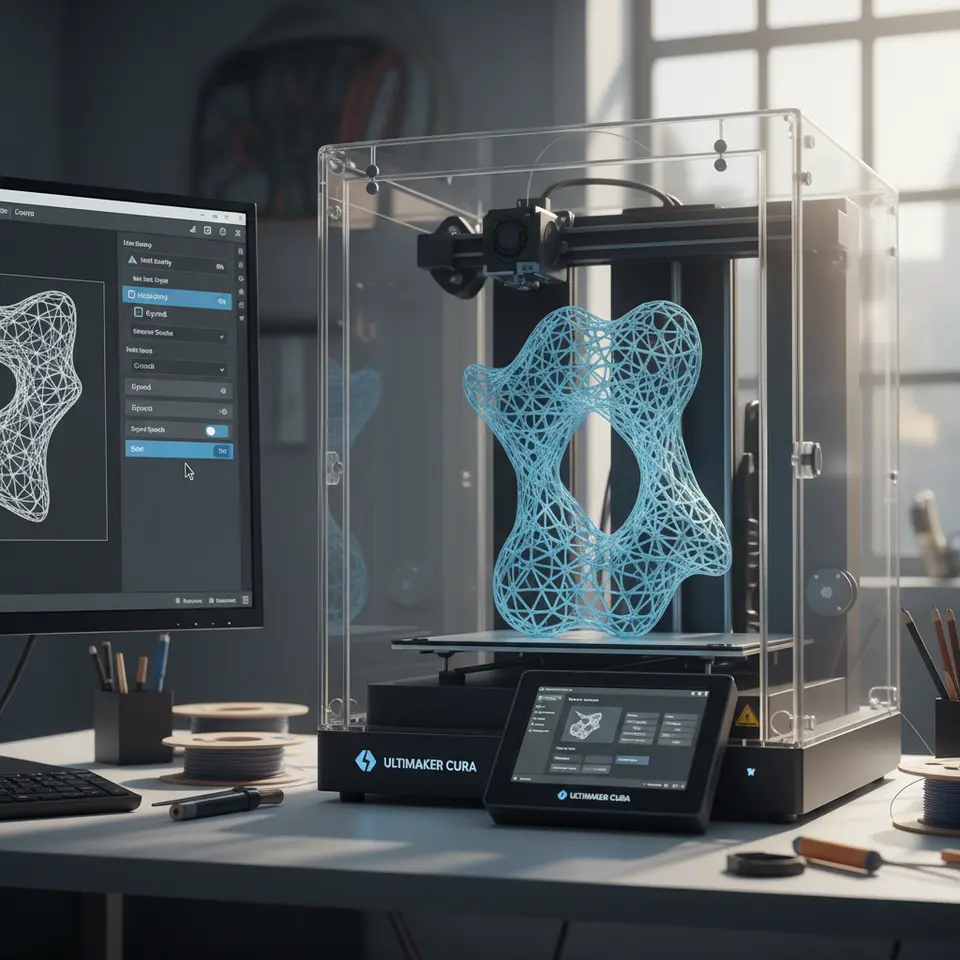
Lattice structures are typically created using geometric patterns that fill a volume, reducing the amount of material used while maintaining structural integrity. By optimizing the design of these patterns, you can create parts that are not only lightweight but also have enhanced strength and durability, making them ideal for various engineering applications.
Researchers from MIT have identified that lattice structures can significantly outperform solid materials in terms of specific strength, making them a compelling choice for modern manufacturing (source).
The Challenge of Weak Nodes
Weak nodes in a lattice structure occur when the connections between lattice struts are insufficient or poorly designed, leading to potential failure points within the print. Common causes of weak nodes include:
- Improper design of the lattice geometry
- Incorrect slicing settings in Cura
- Use of inappropriate filament types
To achieve optimal performance, it is crucial to address these issues during the slicing phase.
Best Practices for Slicing Lattice Structures in Cura
1. Utilize the Correct Lattice Pattern
Cura offers multiple lattice patterns, including gyroid, cubic, and octet. Each pattern has its unique advantages. For example, the gyroid lattice structure is known for its excellent strength-to-weight ratio and consistency. When slicing, consider the following aspects:
- Design for Strength: Choose a lattice pattern that distributes loads evenly throughout the structure. Gyroid lattice designs can minimize stress concentrations and provide better performance in load-bearing applications.
- Adjust Lattice Density: Modify the density of the lattice based on your application. A higher density typically results in increased strength but at the cost of increased material use.
For more information on optimizing gyroid structures, you may want to read our guide on Cura Slicer: Wind Turbine Blades.
2. Optimize Slicing Settings
Selecting the right slicing settings in Cura is key to producing strong lattice structures:
- Layer Height: A smaller layer height can improve detail in lattice structures, allowing for better layers bonding, which is vital to prevent weak nodes.
- Print Speed: Slower print speeds can increase layer adhesion, reducing the chances of weak nodes occurring. Adjust the print speed to ensure precision and quality.
- Infill Settings: While some lattice structures can be printed with a very low infill, consider a minimal base layer infill that supports the entire construct during printing.
3. Selecting the Right Material
The choice of filament plays a crucial role in the performance of your lattice structures. Consider using materials that offer good inter-layer adhesion and mechanical properties. Commonly recommended filaments for lattice designs include:
- PLA: Easy to print and great for intricate designs.
- PETG: Offers a good balance of strength and flexibility, making it ideal for functional parts.
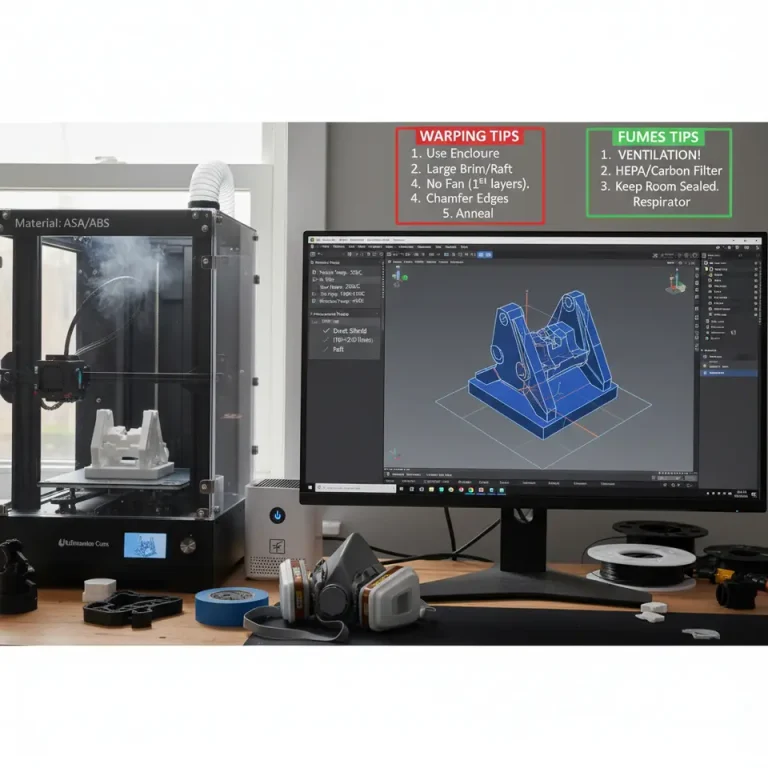
- ABS: Though tricky to print, ABS provides excellent strength and durability.
Conclusion
Slicing lattice structures in Cura without weak nodes demands careful consideration and adjustments in both design and slicing settings. By choosing the right lattice patterns, optimizing printing parameters, and selecting suitable materials, you can enhance the mechanical performance of your prints while minimizing the potential for failure. Whether you are a beginner experimenting with lattice structures or an experienced professional seeking to enhance your workflow, applying the aforementioned practices will yield stronger, more effective prints.
For more tutorials on optimizing your 3D printing workflow, be sure to explore other expert guides on our website, like our article on Cura Experimental Settings.
Ready to dive deeper into the world of 3D printing? Visit our homepage for more insightful content, and don’t forget to follow us on social media for the latest updates and tips!
Lastly, if you are looking for more technical documentation, you can refer to the official documentation from Ultimaker’s Cura.
FAQ
Q: What are weak nodes in lattice structures?
A: Weak nodes refer to the connections between struts in a lattice that are poorly designed, which can cause failure points in 3D prints.
A: Weak nodes refer to the connections between struts in a lattice that are poorly designed, which can cause failure points in 3D prints.
Q: How can I prevent weak nodes when slicing?
A: Choosing the correct lattice pattern, optimizing slicing settings, and ensuring layer adhesion can help prevent weak nodes.
A: Choosing the correct lattice pattern, optimizing slicing settings, and ensuring layer adhesion can help prevent weak nodes.
Q: What materials are best for lattice structures?
A: Common materials include PLA for ease of use, PETG for flexibility and strength, and ABS for durability.
A: Common materials include PLA for ease of use, PETG for flexibility and strength, and ABS for durability.