Top Community Profiles for Cura Slicer
Estimated Reading Time: 6 minutes
Key Takeaways:
- Community profiles simplify the 3D printing experience by providing optimized settings.
- Utilizing user-generated profiles can save time and effort in achieving quality prints.
- Engagement with reputable sources like online forums, Reddit, and 3D model repositories is crucial for finding profiles.
- Verification of profiles through user reviews and print samples is essential for quality assurance.
- Users are encouraged to contribute their own profiles to enhance community resources.
Table of Contents
Why Use Community Profiles in Cura?
Community profiles are pre-configured settings created by experienced users to help you achieve optimal print quality without having to start from scratch. These profiles often take into account factors such as the type of filament being used, the specific printer model, and the desired print quality. Utilizing these profiles can save you time and effort, allowing you to focus on the creative aspects of 3D printing.
Locating Trusted Community Profiles
Finding reliable community profiles can be straightforward if you know where to look. Here are some recommended sources:
- Cura’s Online Community: The foremost place to begin your search is within the Cura online community forums and marketplace. Users often share their profiles along with insights about their settings. The main page of CuraSlicers.com also hosts a collection of profiles and tutorials.
- Thingiverse and Cults3D: These popular 3D model repositories not only host printable designs but also often include recommended print settings and links to community profiles.
- Reddit and Discord: Communities on platforms like Reddit, particularly subreddits dedicated to 3D printing, and Discord servers focused on Cura and specific printer models are excellent places to find user recommendations and experiences.
Recommended Community Profiles
Here is a curated list of some of the best community profiles we have discovered, along with brief notes on each:
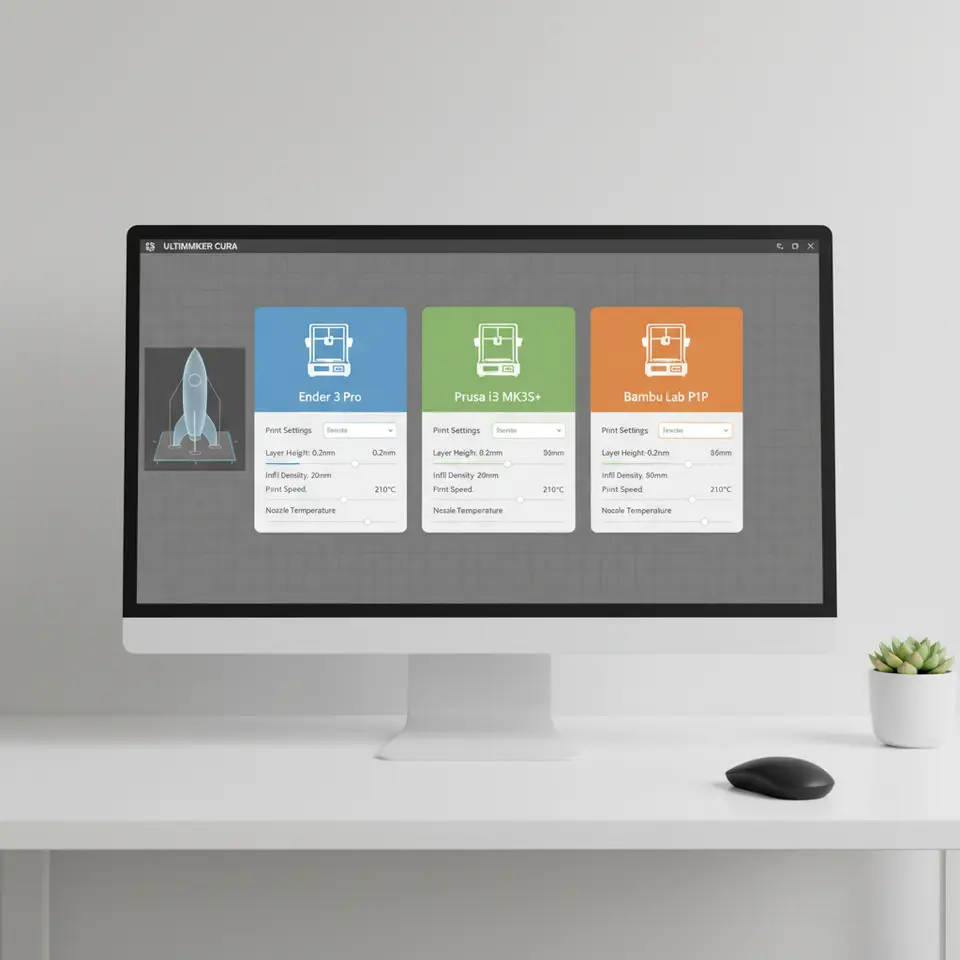
Ender Series Community Profiles
Prusa Community Profiles
Bambu Community Profiles
Ender Series Community Profiles
-
Creality Ender 3: Among the most popular profiles for the Ender series, this profile is tailored for PLA and features a layer height of 0.2 mm with a print speed of 50 mm/s. You can find this profile on
Thingiverse
. - Ender 5 Plus: This profile is optimized for PETG, which is known for its strength and flexibility. It recommends a print temperature of 240°C and a bed temperature of 80°C. Users have reported excellent layer adhesion with minimal warping.
Prusa Community Profiles
- Prusa i3 MK3: A highly regarded profile that can be adjusted for various filaments, it offers settings for both standard filament and specialty materials like nylon, featuring adaptive layer heights for improved print quality on complex designs.
- Prusa Mini: This profile typically runs at 60 mm/s with a recommended layer height of 0.15 mm. It is praised for balancing precision and speed, making it suitable for diverse print tasks, from miniatures to larger models.
Bambu Community Profiles
- Bambu Lab X1 Carbon: Known for its speed and quality, this profile is optimized for both regular and high-speed prints. It employs unique settings for cooling and retraction to minimize stringing and improve finish.
- Bambu Labs P1S: This profile focuses on optimizing settings for fast print times while maintaining quality, suitable for both PLA and ABS filaments. The ideal layer height is 0.2 mm with a nozzle temperature of up to 260°C.
How to Verify Profile Quality
Before using any community profile, it’s crucial to ensure that it is of reliable quality. Here are key factors to consider:
- User Reviews: Check for feedback from others who have used the profiles. High ratings and detailed comments can offer insights into the profile’s effectiveness.
- Print Samples: If possible, look for sample prints that have been made using the profile. Images can provide a visual confirmation of the profile’s performance.
- Trial and Adaptation: Start with the recommended settings but be prepared to make adjustments. Temperature, speed, and layer height can vary based on different environmental conditions and materials.
Contribution Guidelines for Users
At CuraSlicers.com, we believe in the power of community and collaboration. We invite you to contribute your own profiles or suggestions for profiles you’ve found to be effective. Here’s how you can submit them:
- Profile Submission: Send your Cura profile settings along with a brief description and notes on the type of printer, filament, and outcomes to our submission form.
- Documentation: Include any specifics about environmental conditions (e.g., room temperature), printer modifications, and any issues you overcame while using the profile.
- Feedback Loop: Engage with the community! Be open to feedback on your submissions and incorporate any constructive criticism to enhance your profiles for the benefit of all users.
Practical Takeaways
- Explore and Experiment: Don’t hesitate to experiment with various community profiles. Each printer setup is unique, and your preferred settings may differ due to a myriad of factors.
- Customize for Success: Use these profiles as a starting point and adapt them based on your own experiences. Whether adjusting temperature settings or layer heights, customizing will help you achieve the best results.
- Stay Updated: The 3D printing community is dynamic and continuously evolving. Stay engaged with platforms and forums to discover new profiles and keep your knowledge fresh.
Conclusion
By leveraging community profiles, you can significantly enhance your 3D printing endeavors, whether you are a seasoned professional or a budding hobbyist. The profiles for popular printers like the Ender, Prusa, and Bambu offer a wealth of options and insights that can save you time and improve your results.
For more detailed guides and tips on Cura slicer settings and optimization strategies, don’t forget to check out our other resources. Explore our step-by-step guides, including tips on optimizing Cura for small cosmetic prints and adapting profiles for different materials.
Don’t forget to follow CuraSlicers on social media for the latest updates and to join in our community discussions. We’re here to support your 3D printing journey every step of the way!
FAQ
Q1: Where can I find community profiles for Cura?
A: You can find community profiles on platforms like CuraSlicers.com, Thingiverse, Cults3D, Reddit, and Discord.
A: You can find community profiles on platforms like CuraSlicers.com, Thingiverse, Cults3D, Reddit, and Discord.
Q2: How do I verify the quality of a community profile?
A: Check user reviews, look for print samples, and be ready to adapt the settings based on your specific needs.
A: Check user reviews, look for print samples, and be ready to adapt the settings based on your specific needs.
Q3: Can I submit my own profiles to the community?
A: Yes! You can submit your Cura profile settings and descriptions to CuraSlicers.com for community sharing.
A: Yes! You can submit your Cura profile settings and descriptions to CuraSlicers.com for community sharing.
Q4: Are community profiles suitable for all printers?
A: While many community profiles are tailored for specific models, they can often serve as a great starting point for similar printers with suitable adjustments.
A: While many community profiles are tailored for specific models, they can often serve as a great starting point for similar printers with suitable adjustments.