Cura Slicer vs Orca Slicer: Which 3D Printing Software Should You Choose in 2026?
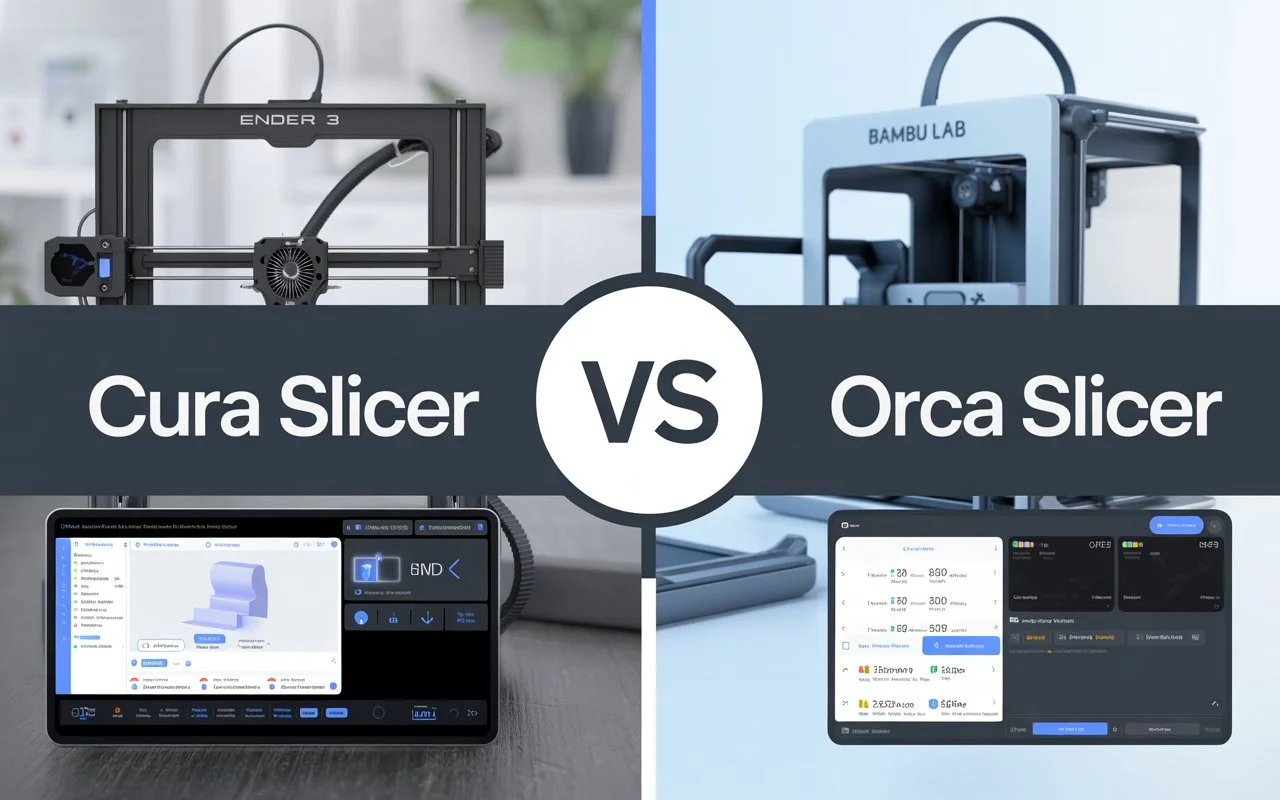
When it comes to 3D printing, slicer software is just as important as your printer and filament. Two popular choices in 2026 are Cura Slicer and Orca Slicer. While both are powerful and free to use, they cater to different types of users.
In this article, we’ll compare Cura Slicer vs Orca Slicer in detail to help you choose the best slicer for your 3D printing needs.
What is Cura Slicer?
Cura Slicer is one of the most widely used slicers in the world. Developed by Ultimaker, it’s open-source, beginner-friendly, and compatible with hundreds of 3D printers.
Key Features of Cura Slicer
- Beginner-friendly interface with preconfigured printer profiles.
- Wide printer compatibility, including Creality, Anycubic, and Prusa.
- Marketplace plugins for custom functionality like OctoPrint integration.
- Adaptive layer height for faster prints with smooth surfaces.
- Extensive support structures including tree supports.
- Cross-platform: Available on Windows, macOS, and Linux.
Cura is ideal for hobbyists, educators, and professionals looking for stability and wide community support.
What is Orca Slicer?
Orca Slicer is a newer, PrusaSlicer-based software optimized for modern printers, particularly CoreXY machines like Bambu Lab and Voron printers. It’s rapidly gaining popularity among enthusiasts who need precision and speed.
Key Features of Orca Slicer
- High-speed printing profiles optimized for Bambu Lab printers.
- Advanced tuning tools for input shaping and vibration reduction.
- Smart supports with better placement and easy removal.
- Powerful calibration tools for extrusion, flow, and resonance.
- Active development with frequent updates and community-driven improvements.
- Built-in cloud integration for remote printing and monitoring.
Orca Slicer is best suited for intermediate to advanced users who want cutting-edge features and maximum control over their prints.
Cura Slicer vs Orca Slicer: Head-to-Head Comparison
| Feature | Cura Slicer | Orca Slicer |
|---|---|---|
| Ease of Use | ★★★★★ Beginner-friendly | ★★★★ Advanced |
| Printer Compatibility | Works with 1000+ printers | Optimized for Bambu, Voron, CoreXY |
| Speed Optimization | Good, but not tailored for high-speed printing | Excellent, designed for speed |
| Support Structures | Tree supports, custom settings | Smart supports, better placement |
| Plugins & Add-ons | Large marketplace | Fewer, but growing |
| Community Support | Massive global user base | Smaller, but very active |
| Updates | Steady, stable releases | Frequent, cutting-edge changes |
Winner:
- For beginners and general use, Cura Slicer is the better choice.
- For high-end printers and advanced tweaking, Orca Slicer takes the lead.
Performance & Speed
When printing at standard speeds (60–100mm/s), there’s little difference between Cura and Orca.
However, Orca Slicer shines in high-speed printing (200mm/s+) thanks to features like input shaping and pressure advance calibration.
If you own a Bambu Lab printer or any CoreXY machine, Orca will unlock your printer’s full potential.
Ease of Setup
- Cura is ready to go right out of the box with hundreds of preloaded printer profiles.
- Orca Slicer requires more manual setup, but offers deeper customization options for experienced users.
Community and Support Cura Slicer vs Orca Slicer
Cura has been around for over a decade, which means:
- Extensive documentation
- Huge online forums
- Countless YouTube tutorials
Orca Slicer’s community is smaller but growing quickly, especially among Bambu Lab and Voron printer users. It’s also very responsive, with frequent updates based on community feedback.
Who Should Choose Cura Slicer?
- Beginners and casual hobbyists
- Educators and classrooms
- Users with budget 3D printers like Ender 3 or Anycubic Vyper
- Anyone looking for plug-and-play simplicity
Who Should Choose Orca Slicer?
- Experienced users with high-speed printers
- Owners of Bambu Lab, Voron, or CoreXY machines
- Makers who want advanced calibration and tuning options
- Those seeking cutting-edge slicer technology
Conclusion
Cura Slicer vs Orca Slicer are excellent tools, but they serve different audiences.
- If you want simplicity, wide compatibility, and a stable slicer, Cura is the clear winner.
- If you’re ready to push your printer to its limits with speed and precision, Orca Slicer is worth the learning curve.
In 2026, the best slicer for you depends on your printer type, experience level, and printing goals.
FAQs: Cura vs Orca Slicer
1. Is Orca Slicer free to use?
Yes, Orca Slicer is completely free and open-source.
2. Can I use Orca Slicer with a Creality Ender 3?
Yes, but Cura is usually a better fit for printers like the Ender 3 due to its preconfigured profiles.
3. Which slicer is faster?
At standard speeds, both are similar. At high speeds, Orca Slicer has a clear advantage.
4. Does Cura work with Bambu Lab printers?
Yes, but Orca Slicer is specifically optimized for Bambu Lab machines.
5. Which slicer is better for beginners?
Cura Slicer is more beginner-friendly thanks to its simple interface and ready-to-use profiles.