Automatically Recommend Cura Profiles with AI
Estimated Reading Time: 7 minutes
Key Takeaways:
- AI algorithms enhance slicer settings by analyzing 3D models.
- Machine learning improves recommendations over time using historical data.
- Real-time adjustments made by AI tools can mitigate printing issues.
- Challenges include data quality and the complexity of models.
- Integrating user feedback enhances AI recommendations.
Table of Contents:
- Introduction
- The Role of AI in 3D Printing
- Current AI Tools Integrating with Cura
- Challenges and Limitations
- Practical Steps to Implement AI Recommendations in Your Workflow
- Enhancing Your Knowledge with Related Guides
- Conclusion
- FAQs
Introduction
In the ever-evolving world of 3D printing, the importance of optimizing slicer settings cannot be overstated. With myriad options available in slicing software like Ultimaker Cura, choosing the right profile can be overwhelming, particularly for those new to the field. However, recent advancements in artificial intelligence (AI) are transforming how we approach this task. In this article, we’ll explore how to use AI to automatically recommend Cura profiles by analyzing 3D models and suggesting optimal settings that enhance print quality while saving time and materials.
Understanding the capabilities of AI-driven tools in relation to 3D printing workflows can significantly improve your project outcomes. These solutions can cater to both hobbyists eager to get the most out of their prints and professionals looking for automation in a busy production environment.
The Role of AI in 3D Printing
AI has the potential to change the landscape of 3D printing.
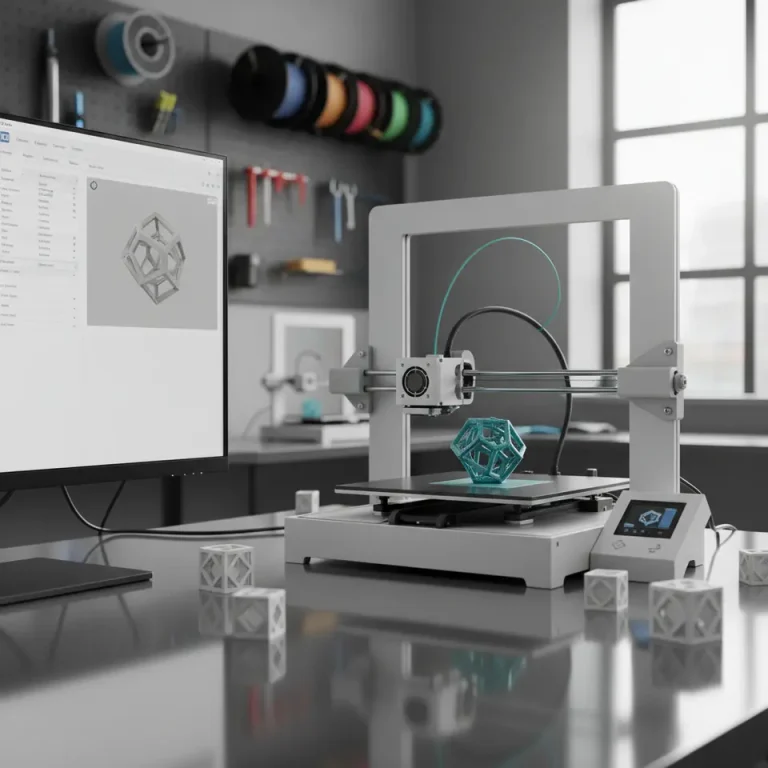
- Analysis and Adaptation: AI algorithms can analyze 3D models to identify key characteristics such as complexity, overhangs, and material requirements. This information can help in adjusting the slicing profile automatically based on best practices established from historical print data.
- Learning from Data: By scrutinizing a large data set of past prints, AI can identify patterns and recommend settings that have performed well in similar circumstances. This type of machine learning continuously improves recommendations as it processes more data.
- Real-time Adjustments: AI tools can even monitor prints in real-time, adjusting slicing parameters on-the-fly to mitigate common issues such as warping or stringing. This enhances reliability, especially in high-stakes printing scenarios.
Current AI Tools Integrating with Cura
Several tools leverage AI to improve the 3D printing workflow, providing features that blend seamlessly with Cura. Here are a few notable options:
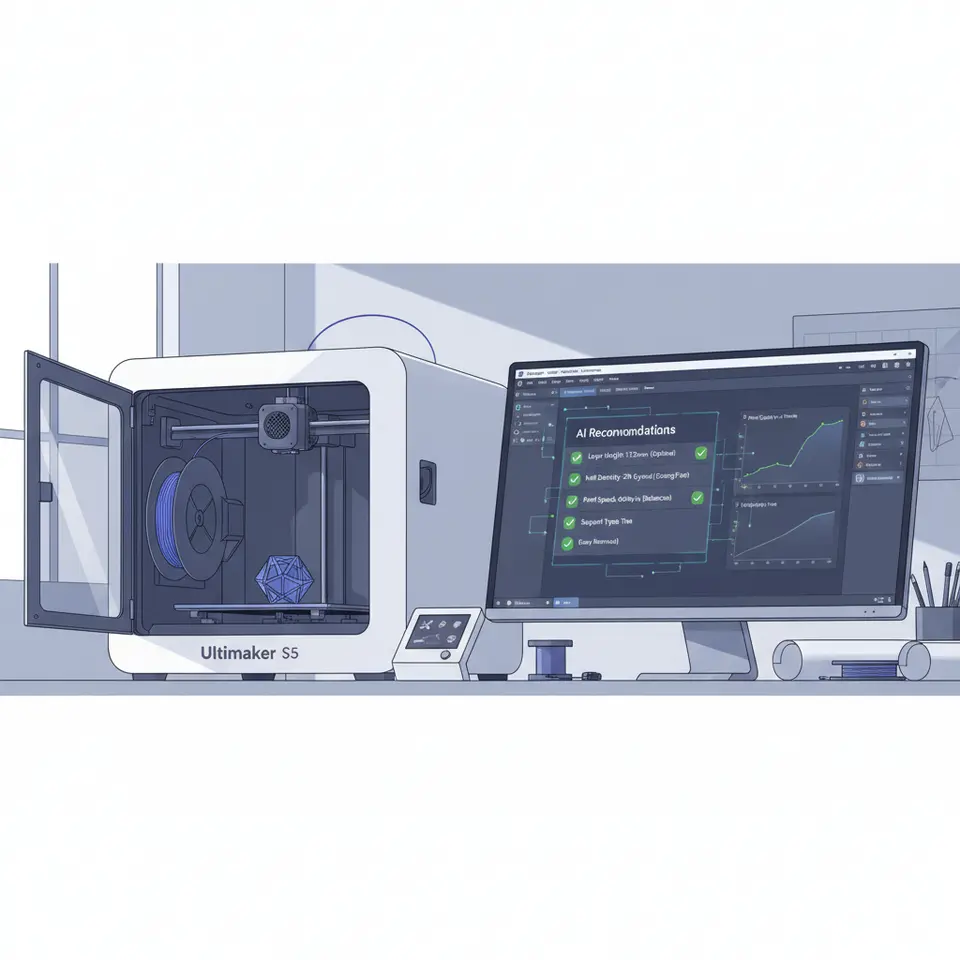
- Cura with AI Plugins: Various plugins have been developed that integrate AI capabilities within Ultimaker Cura. These extensions use machine learning algorithms to analyze models and provide recommendations tailored to your specific printer and filament.
- AI-Powered Cloud Services: Some cloud-based services offer AI analysis for 3D models. By uploading your design, these platforms can suggest optimal print settings based on a wide database of prints. Leveraging cloud technology allows you to harness the processing power of advanced algorithms without heavily taxing local resources.
- Custom Solutions: Depending on your needs, developing a custom solution using API access to Cura can allow for tailored settings without requiring extensive manual intervention. For professionals, creating in-house tools can be a game-changer.
Challenges and Limitations
While AI presents exciting opportunities, there are certain limitations to consider when implementing machine learning for 3D printing optimization:
- Data Quality: The effectiveness of AI recommendations heavily relies on the data it’s trained on. If the training dataset lacks diversity or accuracy, the suggestions may not be reliable. It’s crucial to utilize high-quality, comprehensive data for optimal results.
- Complexity of 3D Models: Some highly complex models may require settings that AI cannot accurately predict based on historical data alone. Manual intervention may still be required in these cases.
- User Input and Model Variability: Every 3D model is unique, and user preferences also play a significant role. AI tools should complement the user experience rather than replace it entirely. A seamless integration that allows for user feedback can enhance the recommendations further.
Practical Steps to Implement AI Recommendations in Your Workflow
Follow these steps to begin utilizing AI for Cura profile recommendations:
- Research Plugins and Tools: Start by researching the latest AI plugins that work with Ultimaker Cura. Look for tools that have a proven track record and positive user reviews.
- Experiment with Sample Models: Before integrating AI into your main projects, test various models first. Evaluate the recommended settings against your own to understand the effectiveness of the AI suggestions.
- Collect Feedback: Share results with your team (or fellow enthusiasts) to gather insights. Analyze any discrepancies between AI recommendations and actual print outcomes.
- Iterate and Refine: Use the insights from tests to refine both your understanding of the AI tool and the parameters you provide it. Over time, this will lead to a more intuitive relationship with your slicer settings.
To further enhance your 3D printing workflow and learn more about optimizing your Cura experience, consider exploring our guides on Optimizing Cura for Small Cosmetic Prints and Cura Slicer Fit Tolerance Guide. These articles provide additional insights that can complement your journey into AI-assisted printing.
Conclusion
Utilizing AI to recommend Cura profiles automatically represents a significant leap in 3D printing efficiency. As you explore these emerging tools, remember to balance AI recommendations with your expertise, adjusting settings as necessary based on your unique printing experiences. The future of 3D printing lies in integrating such technologies to optimize every facet of the printing process.
For more tips and tutorials on 3D printing and Curaslicer settings, visit our main page at CuraSlicers.com. Dive into a world of knowledge that can elevate your printing efficiency and ensure top-notch results in all your projects.
Don’t forget to follow us on social media to stay updated with the latest trends, tools, and techniques in 3D printing. Happy printing!
FAQs
Q: How can AI improve my 3D printing efficiency?
A: AI can analyze past prints and recommend optimized Cura profiles, enhancing quality and reducing time and material waste.
A: AI can analyze past prints and recommend optimized Cura profiles, enhancing quality and reducing time and material waste.
Q: Are there any plugins I should consider?
A: Yes, various AI plugins are available for Ultimaker Cura that utilize machine learning for optimal settings.
A: Yes, various AI plugins are available for Ultimaker Cura that utilize machine learning for optimal settings.
Q: What are potential downsides to using AI for Cura profiles?
A: Challenges include data quality, the complexity of prints, and the need for user input.
A: Challenges include data quality, the complexity of prints, and the need for user input.
Q: Can custom solutions be developed?
A: Absolutely! Custom solutions using API access to Cura can provide tailored recommendations.
A: Absolutely! Custom solutions using API access to Cura can provide tailored recommendations.
Q: Where can I find more information about AI in 3D printing?
A: For in-depth resources, check out the official Ultimaker documentation.
A: For in-depth resources, check out the official Ultimaker documentation.