Optimal Cura Settings for Ceramic Filaments
Cura Slicer Best Settings for Printing Ceramic-Filled Filaments and Post-Processing
Estimated reading time: 6 minutes
- Understanding the unique challenges of ceramic-filled filaments.
- Optimizing Cura slicer settings for better print quality.
- Effective post-processing techniques to achieve a ceramics-like finish.
- Anticipating potential challenges and solutions.
Table of Contents
- Understanding Ceramic-Filled Filaments
- Best Cura Slicer Settings for Ceramic-Filled Filaments
- Post-Processing Techniques
- Potential Challenges with Ceramic-Filled Filaments
- Conclusion
- FAQ
Understanding Ceramic-Filled Filaments
Ceramic-filled filaments typically combine thermoplastics with ceramic compounds, enabling the printed object to closely resemble the look and feel of traditional ceramics. This unique composition opens up new creative possibilities, but it’s essential to note that these filaments can also present distinct challenges:
- Higher Printing Temperatures: Ceramic-filled filaments often require higher extrusion temperatures, which can lead to increased wear on your nozzle and hotend.
- Blockage Risks: The abrasive nature of ceramic-filled materials can lead to clogs if not handled carefully.
- Post-Processing Needs: Achieving a smooth, ceramics-like finish requires proper sanding, polishing, and sometimes sintering.
Best Cura Slicer Settings for Ceramic-Filled Filaments
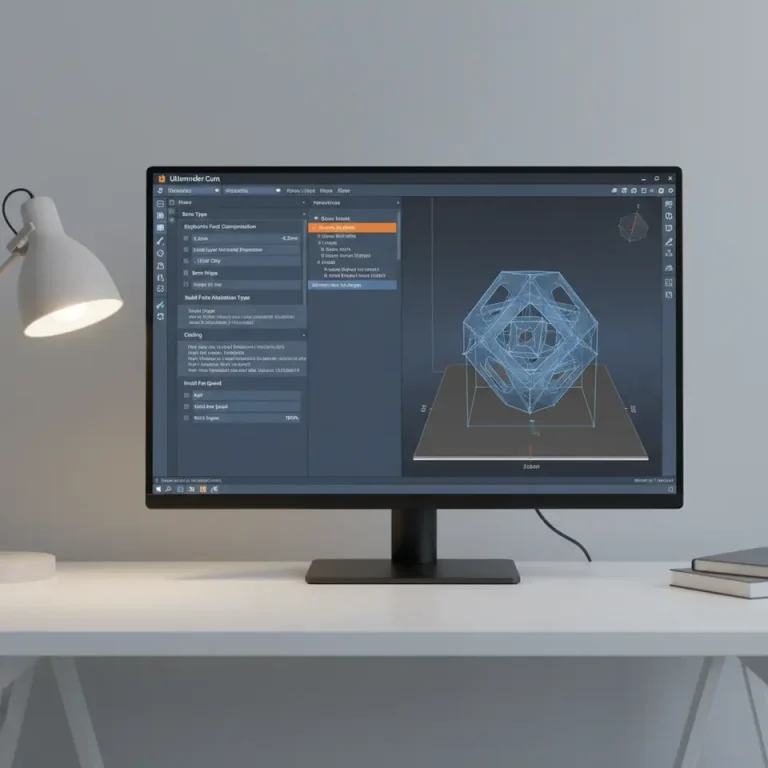
Getting the correct slicing settings is crucial for successful prints with ceramic-filled materials. Here are the key parameters to adjust in Ultimaker Cura:
1. Print Temperature
Ceramic-filled filaments generally require higher print temperatures than standard PLA or ABS:
- Recommendation: Start with temperatures between 210-250°C. Refer to the manufacturer’s specifications for exact temperatures for specific filaments.
2. Print Speed
Slower print speeds can improve layer adhesion and reduce defects:
- Recommendation: Set your print speed to around 30-50 mm/s. Slower speeds allow the filament to flow correctly, which is vital for achieving high-quality surface finishes.
3. Layer Height
Adjusting the layer height can affect the level of detail and print strength:
- Recommendation: Using a layer height of 0.1 mm to 0.2 mm is advisable. A finer layer height can enhance detail, but it also increases printing time. Experiment with different heights to find a balance based on your project requirements.
4. Nozzle Size
Using a hardened steel nozzle can prevent wear from abrasive particles in ceramic-filled filaments:
- Recommendation: Select a nozzle size of at least 0.4 mm. If your designs have intricate details, you might go smaller but bear in mind the risk of clogging.
5. Retraction Settings
Proper retraction settings help to minimize stringing during printing:
- Recommendation: Start with a retraction distance of 5-7 mm and a retraction speed of approximately 40-60 mm/s. Tuning these settings can help reduce filament oozing during non-printing moves.
6. Adhesion and Support Settings
A strong foundation is crucial when printing with ceramics, as poor adhesion can lead to warping:
- Recommendation: Use a brim or raft to enhance bed adhesion. For more complex parts, ensure your support settings are optimized (e.g., activating tree supports if necessary). Read more about effective support settings in our Cura support settings guide.
Post-Processing Techniques
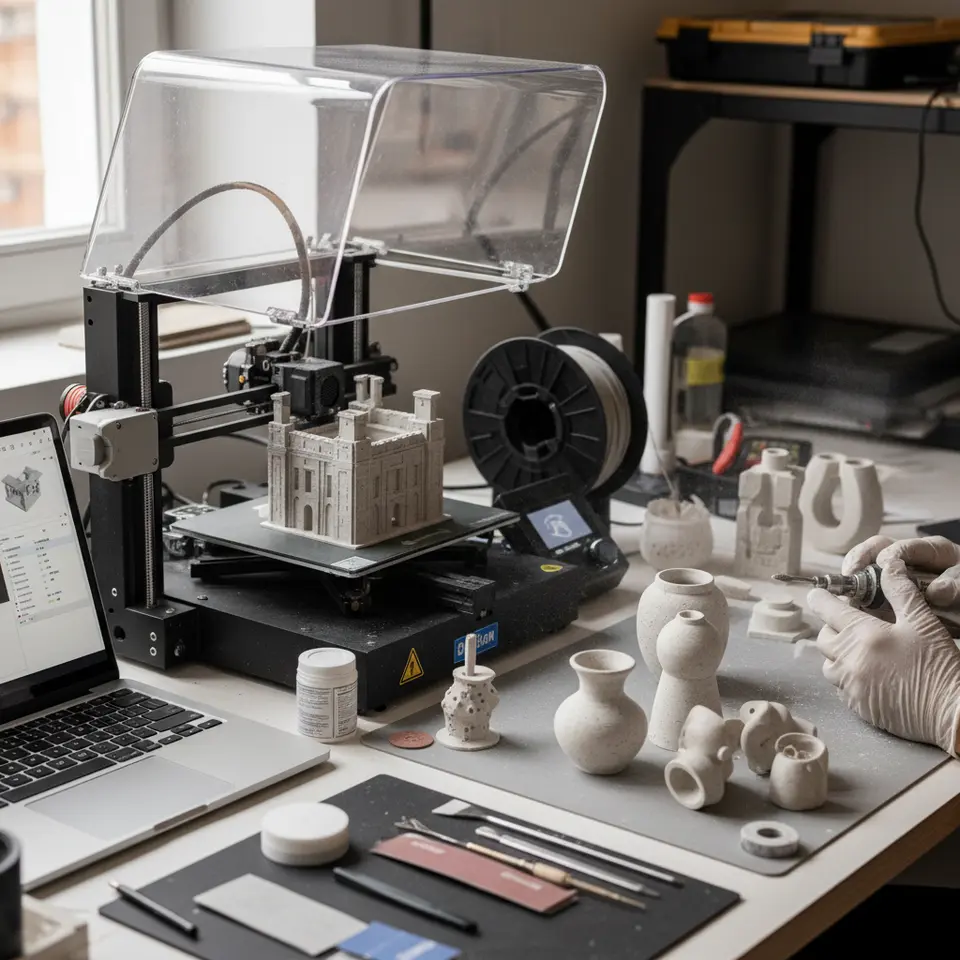
Once you’ve successfully printed your ceramic-filled filament model, post-processing is key to achieving that ceramics-like surface finish:
1. Sanding
Start with a coarse sandpaper (around 120-220 grit) to remove any visible layer lines. Gradually move to finer grits (up to 1000) for a polished look. Be patient – this process can take time but results in a smooth and appealing surface.
2. Polishing
After sanding, you may want to apply a polishing compound to further enhance the finish. A rotary tool can help, but ensure you don’t apply excessive heat that could warp the material.
3. Sintering (if applicable)
For some ceramic-filled filaments, you may want to go a step further by sintering the object. This process involves heating the print in a kiln to a specific temperature, which allows the ceramic particles to bond and achieve higher strength. Ensure you follow manufacturer guidelines on sintering temperatures and durations.
4. Sealing
In many cases, using a sealant can give an extra layer of protection and shine to your finished print. Choose a sealant compatible with the materials used in your print.
Potential Challenges with Ceramic-Filled Filaments
Before diving into printing, it’s essential to anticipate and mitigate common issues:
- Nozzle Wear: As mentioned, the abrasive nature of ceramic-filled filaments can damage standard nozzles. Always consider using a hardened steel nozzle if you’re frequently printing with these materials.
- Filament Bloating: If filament is not stored correctly, it can absorb moisture, which may negatively affect print quality. Use desiccant packs in storage and consider drying your filament before use.
- Print Delamination: Ensure the right bed temperature (around 60°C) to avoid warping and improve layer adhesion.
Conclusion
Printing with ceramic-filled filaments can unlock a wealth of creative possibilities for hobbyists and professionals alike, provided that you understand the necessary settings in Cura and the post-processing steps involved. With careful adjustments to your slicer settings—such as temperature, speed, retraction, and adhesion strategies—and a methodical approach to finishing, you can achieve stunning, ceramics-like results.
For ongoing 3D printing insights, tips, and tutorials, consider following us on social media or subscribing to CuraSlicers.com. Don’t forget to explore our other guides, such as Cura Stringing Fix and Enabling Z-Hop, for more ways to enhance your 3D printing experience.
As you embark on your ceramic-filled printing journey, always keep experimenting and learning. Happy printing!
For more expert insights into 3D printing, visit our main page at CuraSlicers.com.
FAQ
Q: What is the best temperature for printing ceramic-filled filaments?
A: The recommended temperature range is 210-250°C, depending on the specific filament used.
Q: How can I prevent nozzle clogs when printing with ceramic-filled materials?
A: Using a hardened steel nozzle and adjusting your retraction settings can significantly reduce the risk of clogs.
Q: Is post-processing necessary for ceramic-filled prints?
A: Yes, post-processing techniques like sanding and polishing are crucial for achieving a smooth, ceramics-like finish.