Creating Reliable Profiles for 3D Printing Education
Estimated Reading Time: 5 minutes
Key Takeaways:
- Creating reliable 3D printing profiles minimizes print failures and enhances learning.
- Standardized slicing settings, material selection, and effective workflows improve student experiences.
- Proactive troubleshooting can resolve common printing issues quickly.
- Encouraging collaborative learning fosters deeper understanding and problem-solving.
Table of Contents:
- Introduction
- The Need for Reliable Profiles in 3D Printing Education
- Key Components of Reliable 3D Printing Profiles
- Crafting Tailored Workflows for the Classroom
- Understanding Print Troubleshooting with Cura
- Setting Up for Success: A Focus on Student-Centered Design
- Conclusion
- Call to Action
Introduction
In the realm of 3D printing, one of the greatest challenges faced by both educators and students is ensuring consistent quality in prints while streamlining workflows. This is particularly crucial in educational settings, where multiple projects and iterations are common. This blog post will explore practical strategies for creating reliable profiles and optimized workflows tailored for repeated student use in Ultimaker Cura, emphasizing the importance of user-friendly settings and troubleshooting methods that foster learning and creativity.
The Need for Reliable Profiles in 3D Printing Education
Students engaging in 3D printing often encounter a steep learning curve, particularly when it comes to setting up slicer software like Ultimaker Cura. Reliable profiles serve to alleviate some of these hurdles, providing a foundational starting point that minimizes variables that can lead to print failures. By utilizing well-established settings, educators can focus on guiding students through design and creativity rather than spending excessive time on troubleshooting.
Research has shown that standardized profiles not only boost student confidence but also enhance the overall learning experience by minimizing time spent on technical issues (Source: 3D Printing Education). Here, we will delve into how to create these profiles and optimize workflows to maximize student engagement and success.
Key Components of Reliable 3D Printing Profiles
To form a reliable student workflow, three vital components come into play:
- Slicing Settings
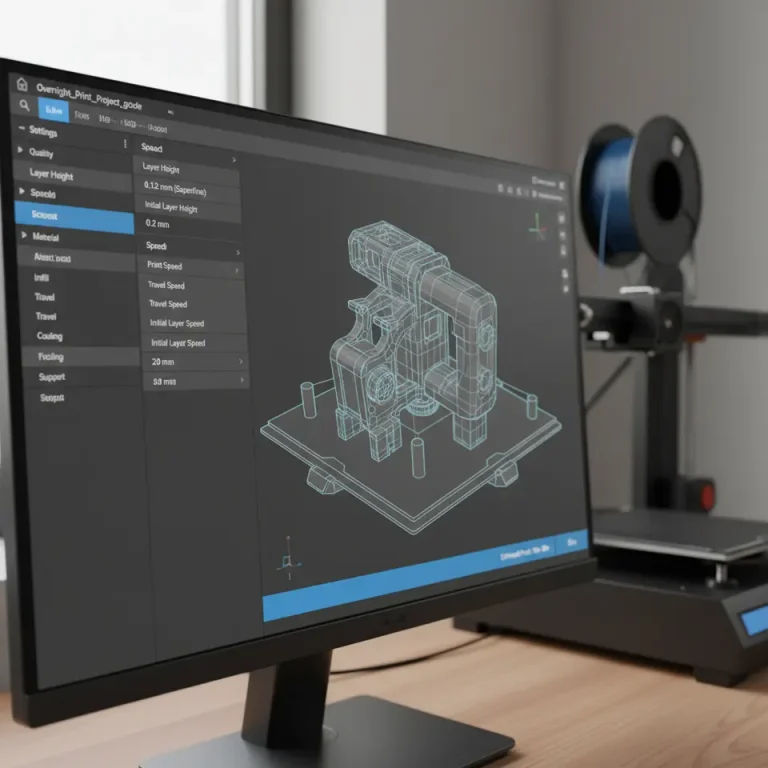
Proper slicing settings can greatly impact the print’s quality. Essential parameters include:- Layer Height: For educational purposes, keeping it within 0.1 to 0.2 mm is effective for most projects.
- Print Speed: A slower speed (e.g., 50-60 mm/s) ensures better print quality, while still being manageable for students.
- Infill Percentage: A lower infill (20-30%) usually suffices for educational prints, allowing faster fabrications while maintaining structural integrity.
- Material Selection
Common filaments like PLA are especially suited for educational environments due to their ease of use, minimal warping, and safety. Establishing a consistent material selection will also help streamline processes as students transition between projects. - Build Plate Adhesion
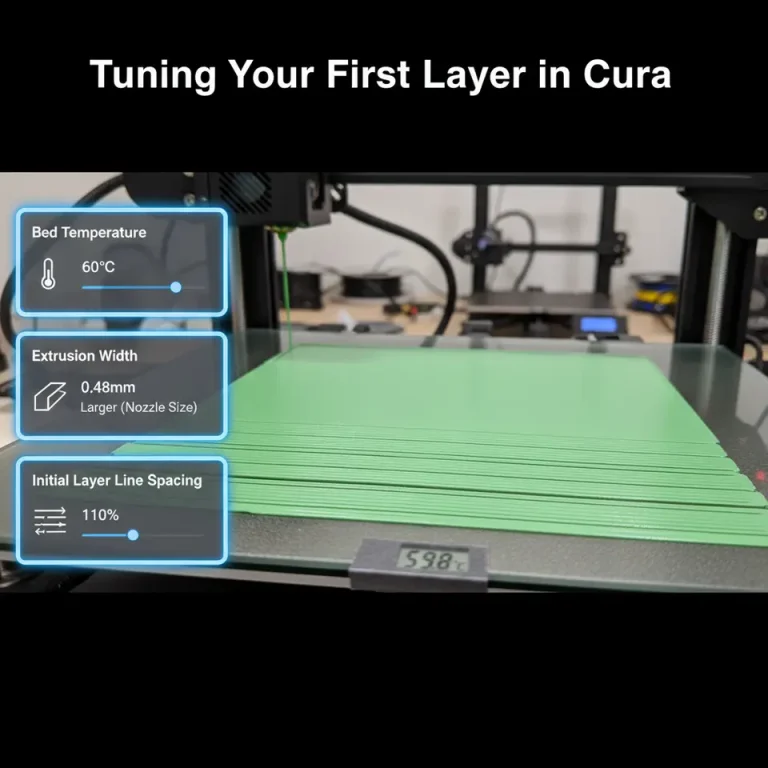
Ensuring prints stay attached to the build plate is crucial in educational settings. Using brims or rafts, especially for taller models, can significantly reduce print failures related to adhesion issues. Refer to our guide on Cura Slicer Brim Strategies for Tiny Parts for tips on optimizing adhesion.
Crafting Tailored Workflows for the Classroom
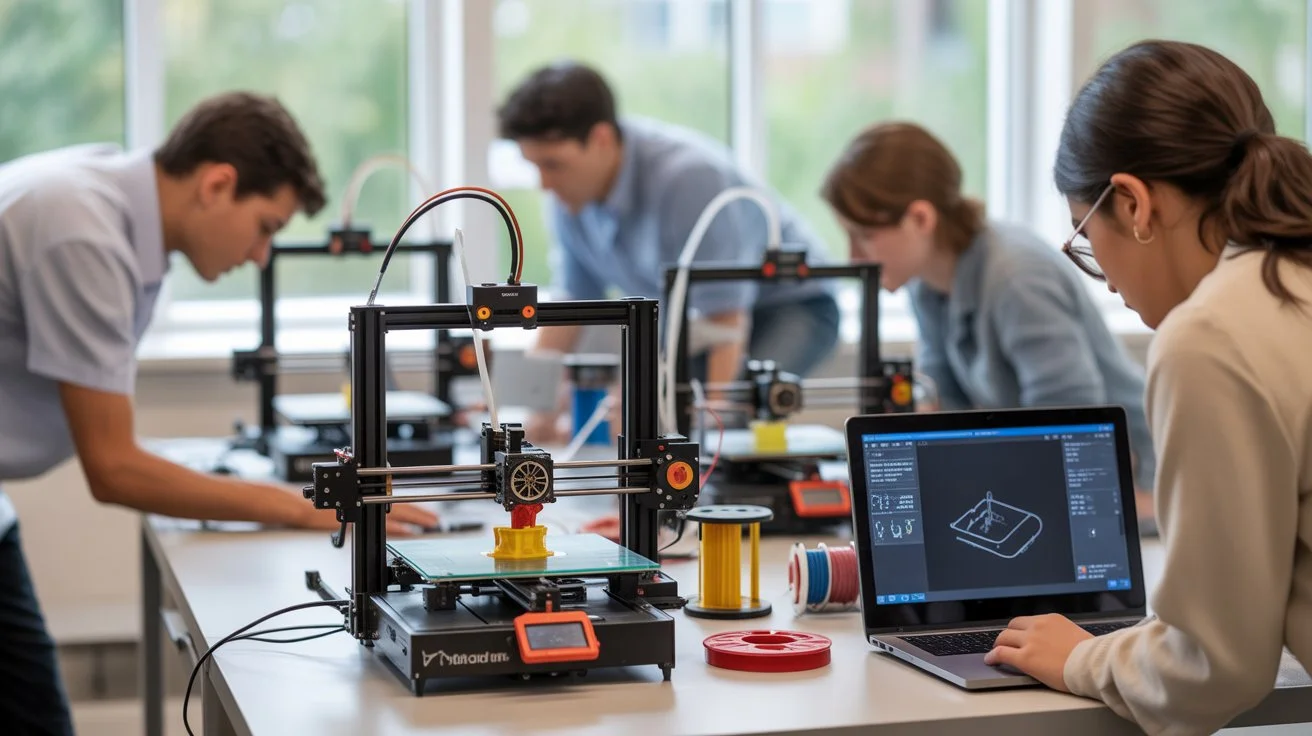
A streamlined workflow can significantly improve students’ experiences and learning outcomes. Consider the following steps to create an efficient workflow in a classroom or educational setting:
- Pre-Configured Profiles
Set up profiles in Cura representative of various projects—students will benefit from these ready-to-go profiles tailored to specific models or print types. Ensure that profiles are easily accessible and include notes that explain the rationale behind each setting. - Collaborative Learning
Encourage peer-to-peer learning by having students share their print experiences. A communal approach can foster a deeper understanding of problems and solutions. Platforms like Google Classroom or other LMS can house shared resources and tips. - Iterative Design Process
Promote an iterative design process where students can rapidly prototype, critique, and adjust their designs without the fear of repeated print failures. Utilize the predictive print time estimation feature in Cura to manage expectations for project timelines effectively; check out our detailed guide on Cura Layer View Print Time Estimation. - Feedback Loops
Establish regular feedback sessions where students can discuss successes and challenges faced during their printing projects. This not only helps improve their designs but also encourages collaborative troubleshooting.
Understanding Print Troubleshooting with Cura
Even the best-laid plans may result in hiccups. Being proactive about troubleshooting can save precious time and enhance the learning experience. Here are several common issues and their solutions:
- Under-Extrusion: If students encounter under-extrusion, it could be due to a clogged nozzle or incorrect flow rate settings. Regular checks on the extruder and teaching students how to Tune Flow Rate in CuraSlicer can minimize issues.
- Stringing: A frequent issue among novice users, stringing can often be remedied by increasing retraction settings or lowering print speeds. Familiarizing students with the Cura Retraction Guide can help them understand how to adjust those settings effectively.
- Warping: Warping can be particularly troublesome for larger prints. Utilizing our Cura ASA & ABS Warping Tips can significantly improve success rates.
Setting Up for Success: A Focus on Student-Centered Design
When designing workflows for students, it’s essential to center the learning experience around creativity and problem-solving. A practical takeaway could be to have students design their profiles based on specific projects, thereby fostering ownership of the learning experience. Encourage them to document what works and what does not, which can ultimately lead to more refined profiles used in future classes.
Moreover, linking usage to real-world applications reinforces learning. For instance, assignments could revolve around printing parts that could contribute to real-world projects, such as utilizing designs from our Cura Slicer for Wind Turbine Blades guide.
Conclusion
In conclusion, establishing reliable profiles and efficient workflows in 3D printing education is crucial for fostering a positive learning atmosphere. By focusing on practical slicing settings, thoughtful material choices, and streamlined processes, educators can effectively prepare students for success in their 3D printing endeavors.
For ongoing guidance and updates on optimizing your 3D printing workflow, don’t forget to visit CuraSlicers.com and explore more articles on slicer settings and print optimization. Dive into our additional resources like Cura Experimental Settings and Cura Slicer Workflow for 3D Printing to enhance your knowledge further and provide the best educational experience possible.
Call to Action
Stay connected for more guides and tips by following CuraSlicers on social media and subscribing for future content. The journey in 3D printing is continuous, and we’re here to help you every step of the way!